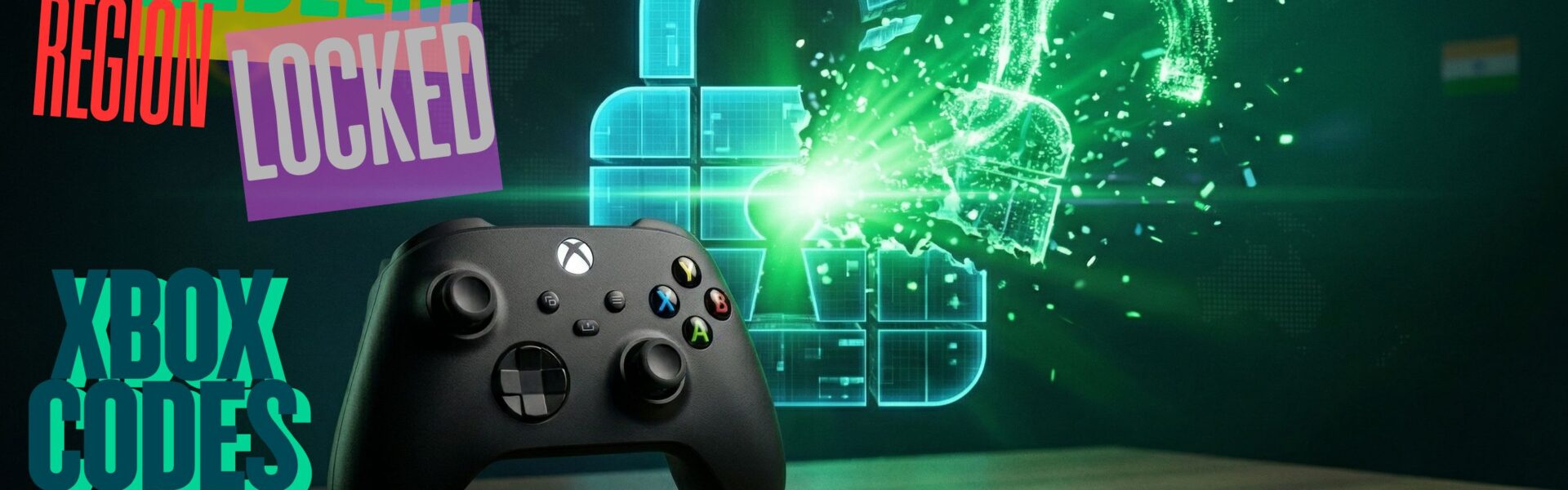

If you’ve ever purchased a game code only to find out it won’t work in your country, you’re not alone. Many gamers run into this issue due to regional restrictions. In this guide, you’ll learn exactly how to activate region locked codes on Xbox safely and effectively.
What Are Region Locked Codes on Xbox?
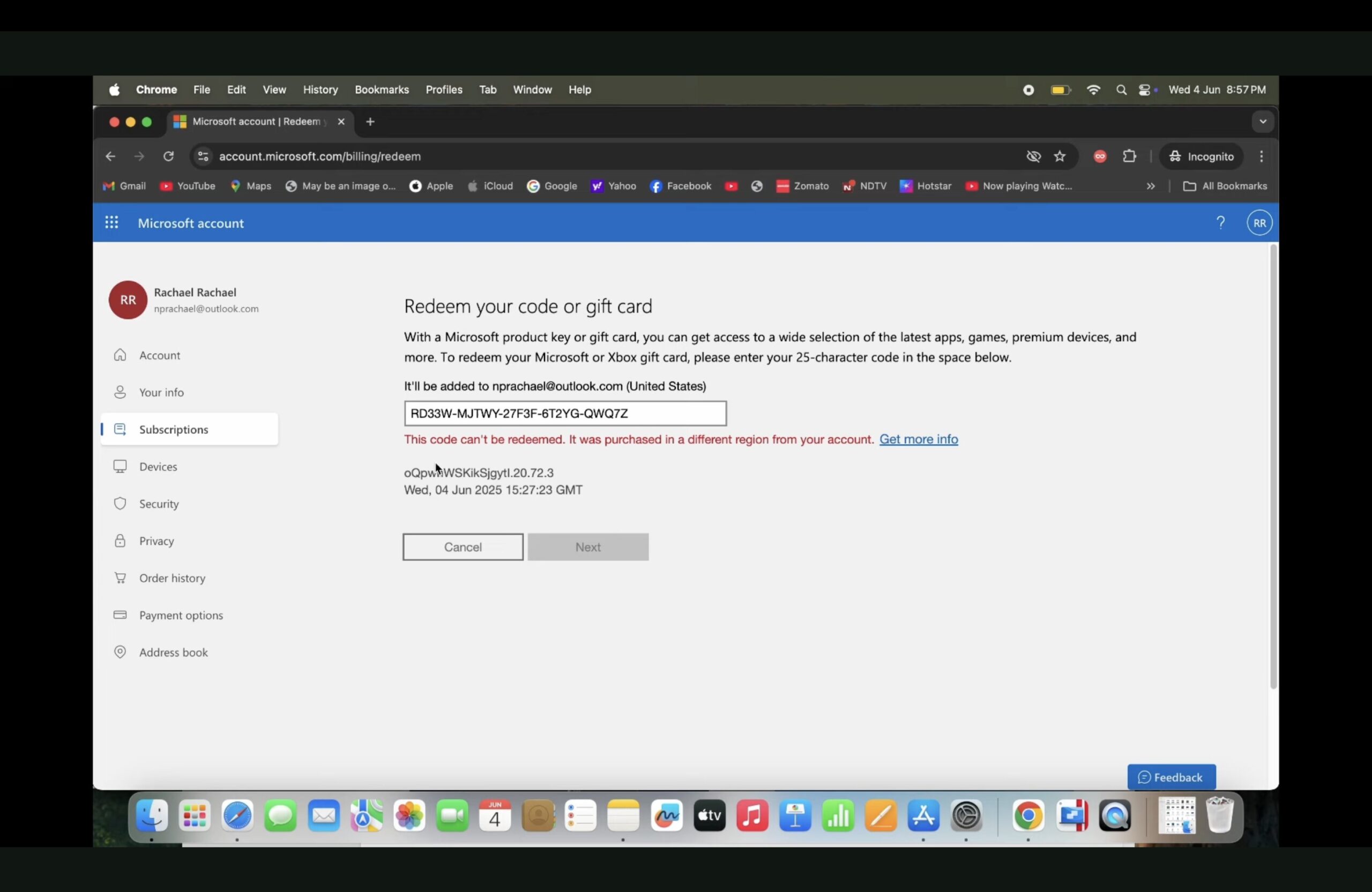
Region locked codes refer to digital game or gift card codes that are limited to specific geographic regions. Each code is tied to a particular country, meaning it can only be redeemed there. For example, US codes work exclusively in the United States, UK codes in the United Kingdom, and Argentina codes in Argentina. If you attempt to use the code outside its intended region, Xbox will prevent it from being activated.
Why Do Region Locked Codes Exist?
Because of this, many users buy cheaper region-specific codes but these require extra steps to activate.
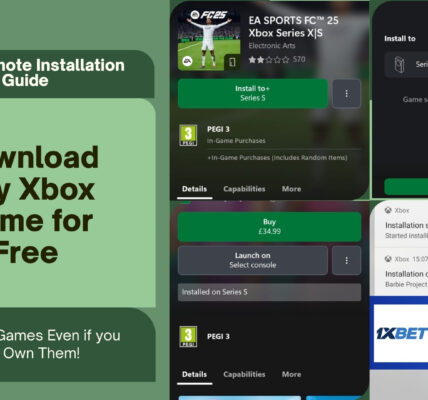
Don’t Miss: How to Download Games for Free on Xbox?
Is It Safe to Activate Region Locked Codes?
Yes, however, you should proceed with caution.
While many users successfully activate region locked codes, there are some risks you should definitely not ignore. Changing your account region frequently may trigger restrictions, and that is not a fun surprise. Trust me, I hate surprises.
Also, misuse could violate Xbox’s terms of service, and sometimes codes just stop working because policies change.
👉 Tip: Use a secondary account if you want to minimize risk.
How to Activate Region Locked Codes on Xbox (Step-by-Step)?
Follow these steps carefully to activate your code:
Step 1: Use a VPN
Download and connect to a VPN server in the same country as your code.
Example:
If your code is from Argentina, connect to an Argentina server.
Step 2: Go to Microsoft Account Website
Visit: https://account.microsoft.com/
Step 3: Sign In to Your Xbox Account
Log in using your Microsoft/Xbox credentials.
Step 4: Change Your Account Region
- Go to Your Info
- Select Profile Info
- Click Country or Region
- Set it to match your code’s region
These steps are also clearly demonstrated in the YouTube video linked just below, so you can follow along visually if needed.
Step 5: Redeem the Code
Go to: https://account.microsoft.com/billing/redeem
Step 6: Enter and Confirm
- Enter your code
- Click Next
- Click Confirm
🎉 That’s it! Your region locked code should now be activated on Xbox.
Advantages of Using Region Locked Xbox Codes
Activating region locked codes on Xbox can offer some seriously great benefits. I’m talking huge savings, sometimes up to 90% cheaper, which is basically like finding money you didn’t know you had.
You also get access to discounted older titles, which, by the way, are still amazing games, let’s not pretend they’re not. And on top of that, you’re taking full advantage of global pricing differences like an absolute genius.
However, and this is important, newer games usually have standardized pricing, so don’t expect every deal to be a steal. That would be nice, but this is the real world, not a dream.
Here’s the Xbox TV guide showing you how to get cheap Xbox Game Pass Ultimate.
Important Precautions
Before you activate region locked codes on Xbox, keep these in mind:
- Avoid changing regions too frequently
- Always use a reliable VPN
- Consider creating a separate Xbox account for redemption
A safer approach is to set up multiple Xbox accounts, with each one dedicated to a specific region’s codes.
Use multiple Xbox accounts, one for each region, all signed in on the same Xbox console.
For example, you could have one account dedicated to Argentina codes and another for India codes. To make the setup seamless, assign your console as the Home Xbox for each account you’ve signed in with, so all content is shared across the device.
Before You Get Started
Learning how to activate region locked codes on Xbox can save you a lot of money—but it’s important to do it correctly. By following the steps above and taking precautions, you can safely redeem codes from different regions and enjoy your games without issues.